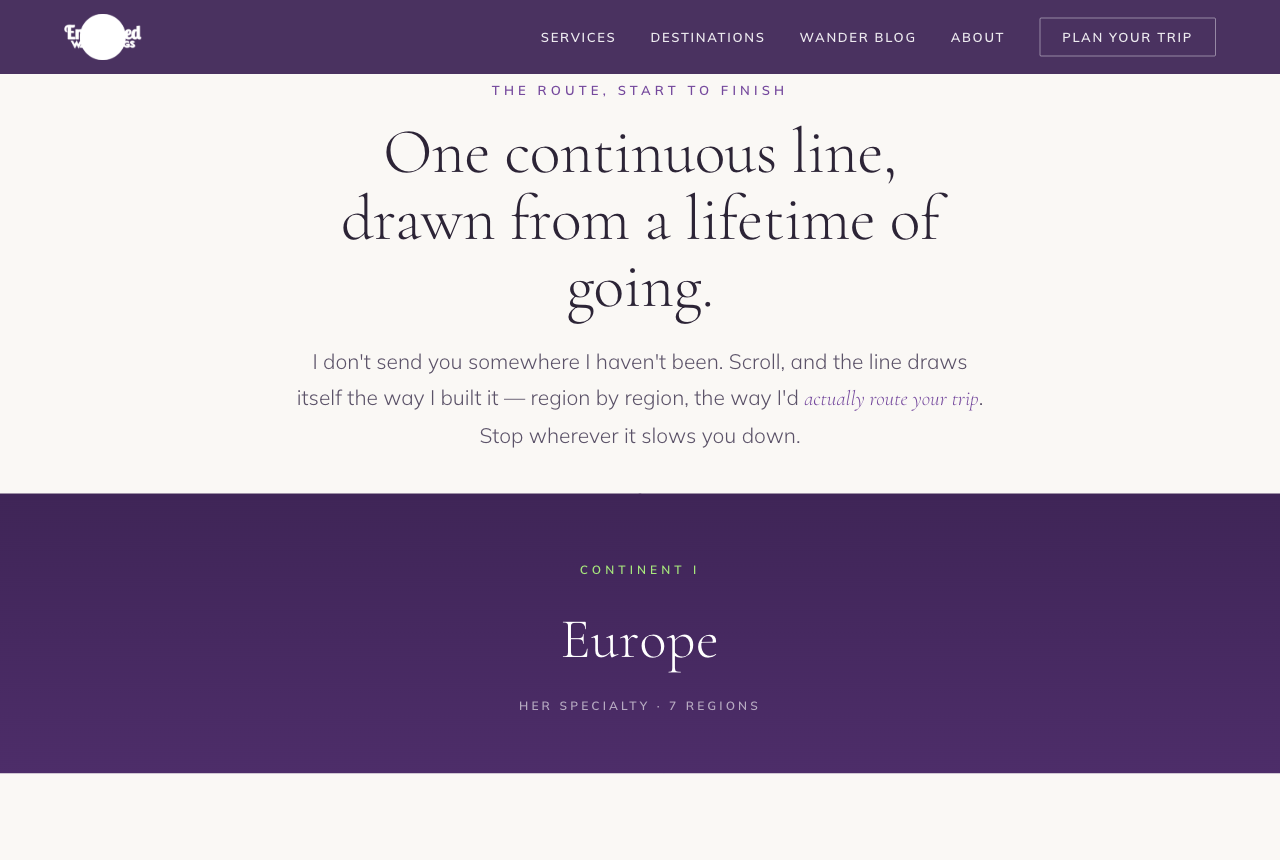
1The Wander-Line Journey
Your signature line becomes the spine of the page. As you scroll, one continuous route draws itself and threads region to region — each one unfurling a photo, guide count, and countries, on alternating dark and light panels. The most ownable of the three.
Best if: you want the wander-line to be your unmistakable signature that no other advisor has.
Open it →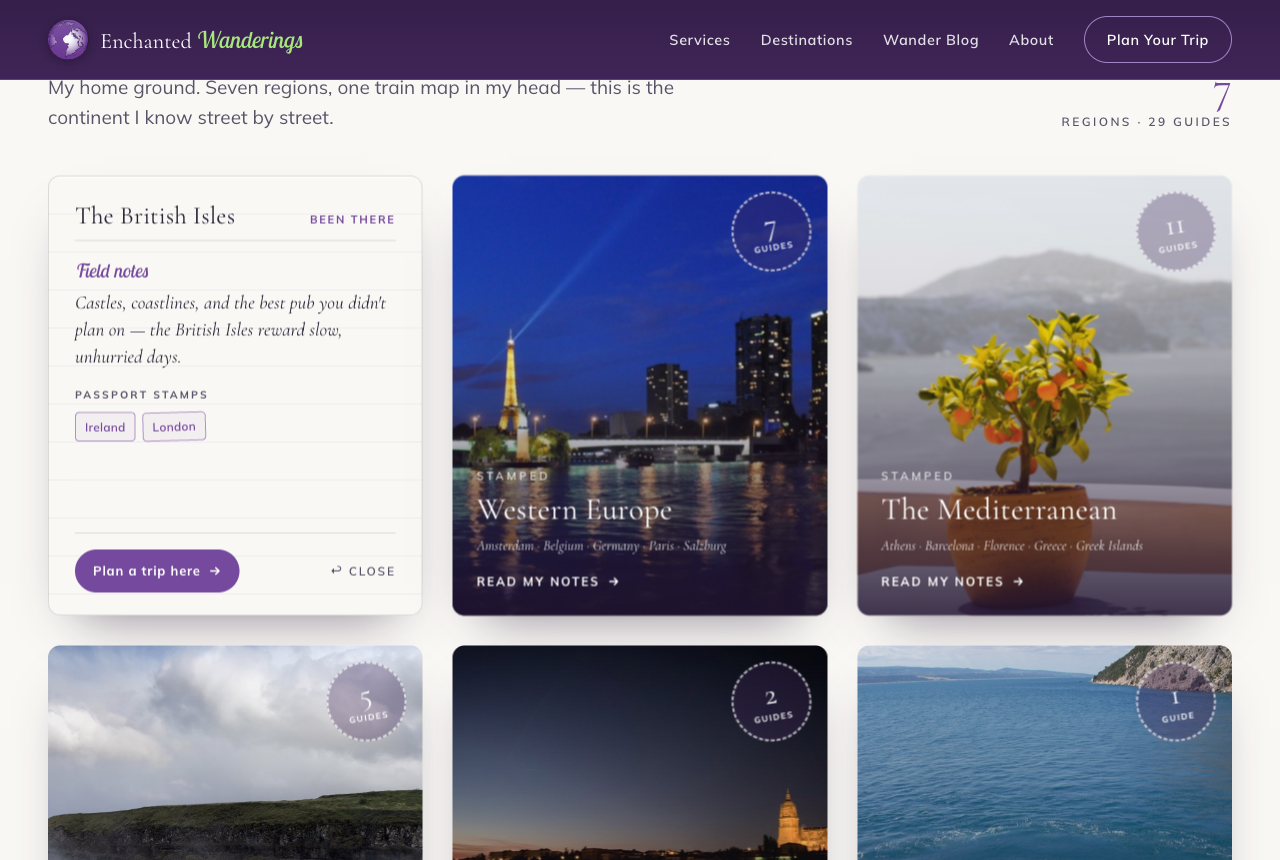
2Passport & Field Notes
Destinations as your personal travel artifacts. Each region is a postcard that flips to reveal your field notes, the countries as passport stamps, and a wax-seal guide count. “I’ve actually been there,” made tangible — warm, personal, proof-first.
Best if: you want your first-hand story and personality to carry the page.
Open it →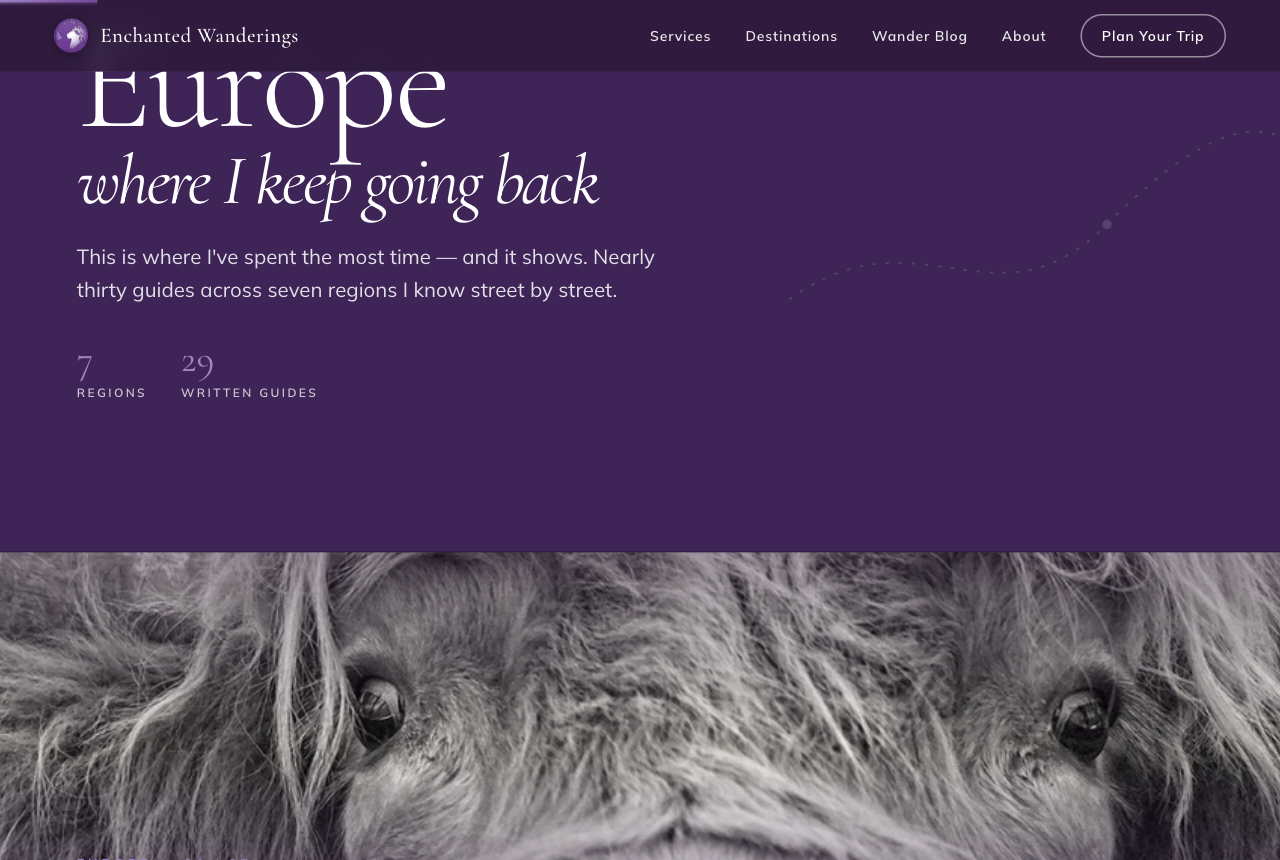
3Cinematic Lookbook
A high-end travel-magazine spread. Full-bleed photo bands, one region per act, with big names set right over the imagery; hovering a region surfaces its guides and countries. Strong dark-and-light rhythm — the photography and type do everything.
Best if: you want maximum photographic impact and a luxury-magazine feel.
Open it →Each option runs on your real brand — your logo, the region photos, and your real guide counts and countries. The imagery is placeholder for now; your own photos replace it later.